
INDIA E-VISA PHOTO
India e-Visa photo: make the file square before upload
Photos are processed in your browser. They are never uploaded to any server.
The Indian e-Visa portal asks for a JPEG from 10 kB to 1 MB, with equal height and width. It also requires a full-face, front-facing image with eyes open, no spectacles and a plain light or white background.
Use the e-Visa requirements, not a generic “India visa” preset
The Government of India e-Visa portal lists these photo-file requirements:
- JPEG format
- 10 kB minimum and 1 MB maximum
- Equal image height and width
- Full face, front view, eyes open, without spectacles
- Full head visible from the top of the hair to the bottom of the chin
- Plain light-colored or white background, no shadows, no border
Do not transfer these numbers to a regular Indian visa application. The separate regular visa instructions give a different upload maximum: 300 kB. They also include a head-height range. The e-Visa and regular-visa portal rules are not one combined spec.
Prepare the portrait in this order
- Take a new, evenly lit image against a plain light background.
- Remove glasses and check that both eyes are open and visible.
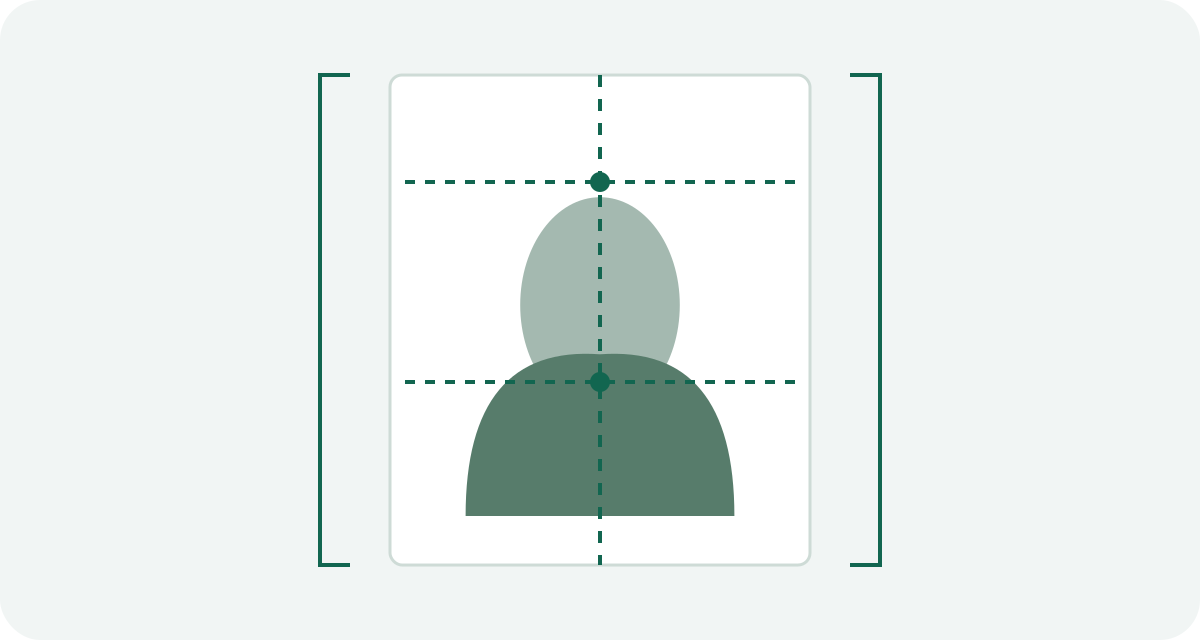
- Crop to a square. Keep the full head from hairline to chin within the frame.
- Export as JPEG and check the saved file is at least 10 kB and no more than 1 MB.
- Open the exact exported file before uploading. Check orientation, edges, shadows and file size.
Why square? A square canvas is a file-shape requirement. It does not mean the face should fill the entire frame. Keep space around the head and follow the portal’s framing examples.
Uploading a passport page is a separate step from the photo. The e-Visa portal lists the passport bio page as a PDF and gives it a separate 10 kB to 300 kB range. Do not mix that document limit with the photo’s 1 MB maximum.
India e-Visa and regular visa instructions reviewed September 23, 2026. Follow the portal for the exact application category.
Sources and scope
This guide explains the application route described above. Check the receiving authority’s current instructions before submitting; that authority decides whether a photo is acceptable.
How we distinguish official rules from tool settings · Report a correction